9 Best ChatGPT SEO Plugins for Marketers

If you’re looking to supercharge your marketing efforts, ChatGPT plugins could be your next secret weapon. Many of these plugins can help you manage many repetitive & time-consuming marketing tasks. But SEOs are the ones who could really get a bang for their buck with these plugins.
The right ChatGPT plugins can transform your SEO workflow and boost your SERP results by creating SEO strategies to automate key marketing tasks. Let’s check out the top ChatGPT plugins for SEO.
What are ChatGPT plugins?
ChatGPT plugins are specialised versions of ChatGPT that combine custom instructions, additional knowledge, and specific skills to enhance its functionality.
- No coding needed: Anyone can easily create a custom GPT, even without programming skills.
- Powerful integrations: GPTs can interact with external data by incorporating APIs, enabling advanced research and real-world applications.
How to enable custom GPTs
To get started with custom GPTs, you need access to OpenAI’s GPT Store. It is accessible to:
- Users with a ChatGPT Plus subscription, priced at $20 monthly.
- Users on the business-oriented plans, such as ChatGPT Team and Enterprise, with pricing ranging from $25 to several thousand dollars per user per month.

Once you have one of the mentioned subscriptions, you have the following two options:
- Use the custom GPTs that others have built. These are pre-made solutions created by the community and can be incredibly useful for starting without configuring everything from scratch.
- Create your own GPT tailored to your specific use case, which allows you to address niche requirements and have more control over the features and behaviour.
How to explore custom GPTs
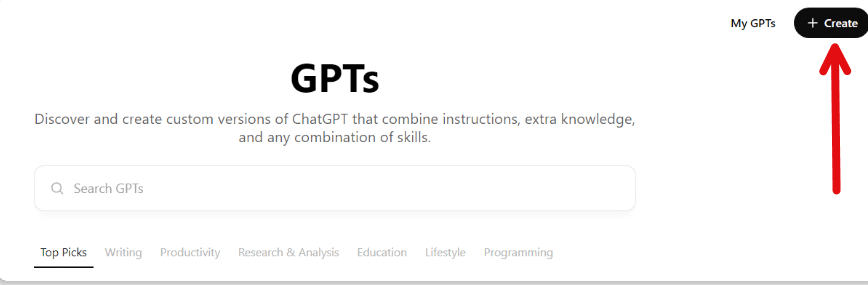
If you want to use custom GPTs that others have created, simply click “Explore GPTs” from the left bar of the ChatGPT interface. Here, you can browse a wide range of community-developed GPTs, filter them based on categories, and find one that fits your needs.

How to create a custom GPT
To create your own custom GPT, click the “Create” button at the top right corner of the ChatGPT dashboard. You will be guided through a step-by-step process that helps you define your GPT’s functionality and custom features. This is an excellent way to personalise your workflow and get exactly what you need out of ChatGPT.
Best ChatGPT plugins for SEO
With many ChatGPT SEO plugins out there, it can be hard to choose the right one. The best plugins improve your workflow, reveal insights, and do repetitive tasks to help your SEO work better. Here are some top ChatGPT SEO plugins for search marketers.
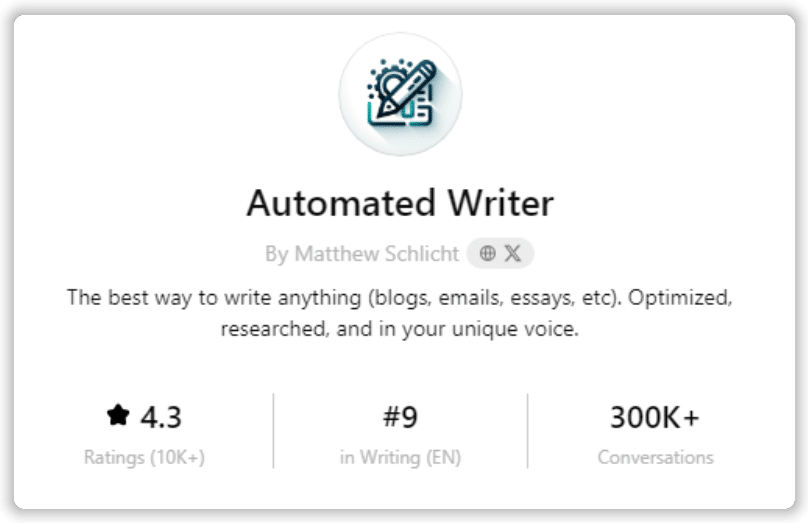
1. Automated Writer
Create optimised, research-driven content in your unique voice by providing your topic, keywords, tone, examples, and goals. This GPT crafts tailored copy, backed by Bing-sourced research. We recommend a human editor refine the AI content for the best results. Try automated writer.
2. Bramework SEO Booster
It’s an SEO assistant that can give you insights on keywords, rankings, and SERP features. It can turn YouTube videos into blog posts and social media posts. This tool can help to improve your SEO plans with related keyword analysis. It also supports web browsing to get more information. Try Bramework SEO Booster.

3. SEO
Enter your website’s URL, and this GPT will give you a complete on-page SEO analysis. It will show you how to improve your headings and content for your target keywords. This GPT checks loading times, finds broken links, analyses images, and checks for mobile-friendliness. It also checks for SSL certification to ensure your site meets security standards. Try the SEO ChatGPT plugin.

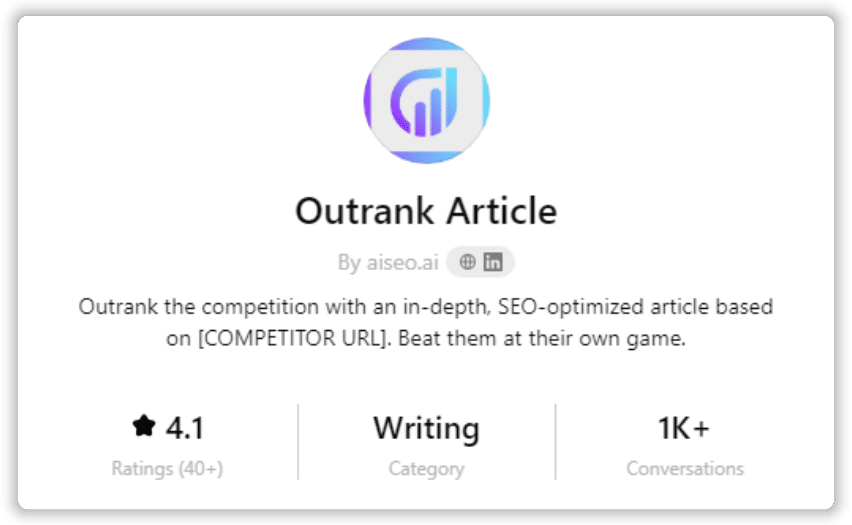
4. Outrank Article
Use this GPT to analyse the URLs of your competitors’ articles and write articles that can outrank them. It also has web browsing and DALL-E image generation capabilities, so you can use it to gather information and create eye-catching images for your content. Try Outrank Article.
5. FAQ Schema Markup Generator
Improve your Google rankings with structured data. Use this GPT to generate schema FAQs by pasting a URL. It provides FAQs in a simple list, HTML or FAQ Schema Markup.org format. Try FAQ Schema Markup Generator.

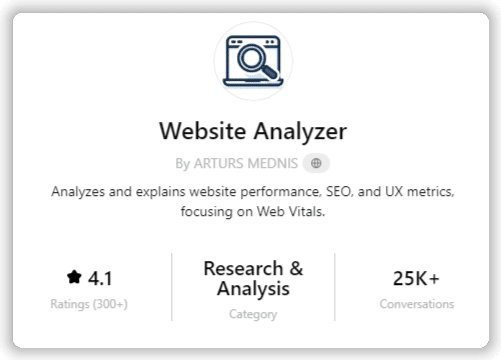
6. Website Analyzer
Perfect for new domains, this GPT analyses website performance, SEO, and UX metrics, focusing on Web Vitals. It also provides links to the best tools and explains the results. Try Website Analyzer.
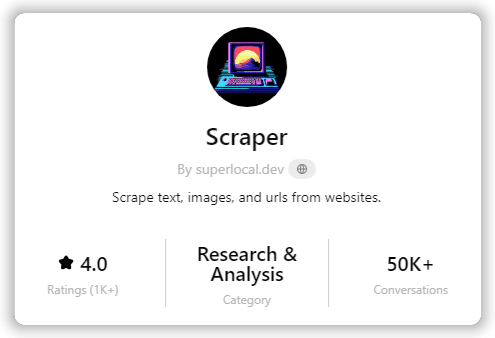
7. Scraper
This scraper handles complex web scraping tasks, even for dynamic content. Use it to track competitors’ page ranks and gain insights into their content strategy. Try Scraper ChatGPT SEO plugin.
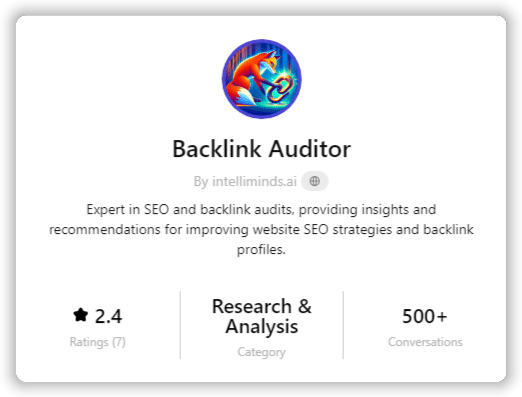
8. Backlink Auditor
This GPT can help with auditing, analysing and optimising SEO backlink strategies for all sorts of businesses. Get creative with it to improve your SEO ROI. Try Backlink Auditor.
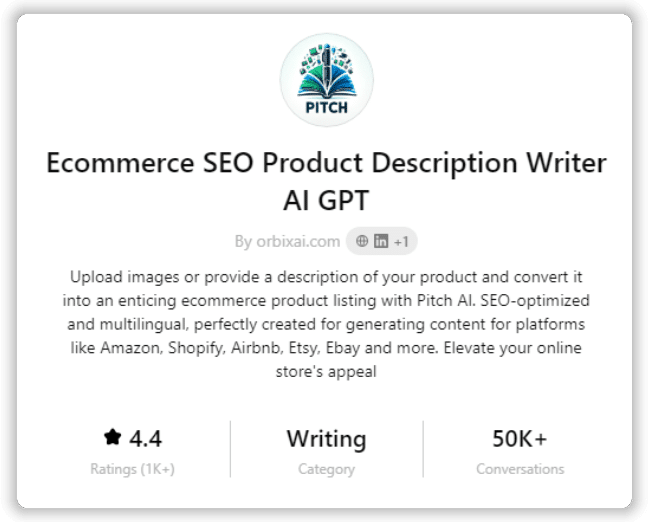
9. Ecommerce SEO Product Description Writer AI GPT
Turn your product images or descriptions into compelling ecommerce listings with this GPT. It’s ideal for platforms like Amazon, Shopify, Etsy, and more. Try Ecommerce SEO Product Description Writer AI GPT.
Final thoughts
ChatGPT and other AI tools are here to stay. Their ability to automate tasks is getting stronger. The right plugins can help your business run better, save time, and cut costs.
One problem with ChatGPT plugins is that they do not have a built-in search feature. This makes it hard to determine which plugins are the best or safest. That is why guides like this one are helpful. They can help you find the best plugins to improve your business and marketing.